
Setting Up Your Phone as a Wedding Planning Command Center
Jan 09, 2026
Disclosure: This post may contain affiliate links and advertisements. I may earn a commission at no additional cost to you. Content is supported with Ai and is for entertainment purposes only.
Wedding Planning From Your Phone: Best Practices, Smart How-Tos, and Stress-Saving Tips
Wedding planning looks very different than it did even a few years ago. Most couples aren’t sitting at a desktop with spreadsheets and binders anymore—they’re planning in between errands, during lunch breaks, or curled up on the couch with their phone. And honestly? That can be a really good thing.
I actually love planning from my phone when it’s done intentionally. It keeps ideas flowing, makes inspiration easy to capture, and allows you to move forward in small, manageable moments instead of waiting for “the perfect planning day.”
The key is knowing how to organize everything so your phone works for you instead of becoming a chaotic scroll of screenshots and forgotten notes.
Setting Up Your Phone as a Wedding Planning Command Center
Before you start saving anything new, take 20 minutes to set up a simple structure. This one step prevents future overwhelm.
Create folders or albums for:
• Venues
• Decor & colors
• Dresses & attire
• Florals
• Food & cake
• Timeline ideas
I also recommend one notes file titled “Wedding Decided List” where random thoughts can live safely instead of floating around your brain. Labeling photo albums clearly makes it easier to revisit ideas when decision time comes.
A minimalist phone stylus is great for annotating screenshots, circling details, or jotting notes directly on images.
How to Capture Inspiration Without Falling Into Endless Scrolling
Inspiration is helpful until it becomes noise. One of the biggest phone-planning mistakes is saving everything without intention.
- I like using a simple rule: if I can’t explain why I like an image, I don’t save it. This keeps inspiration purposeful instead of overwhelming.
- Instead of saving 40 centerpiece photos, save 5 and note what they have in common—color, height, texture, or mood.
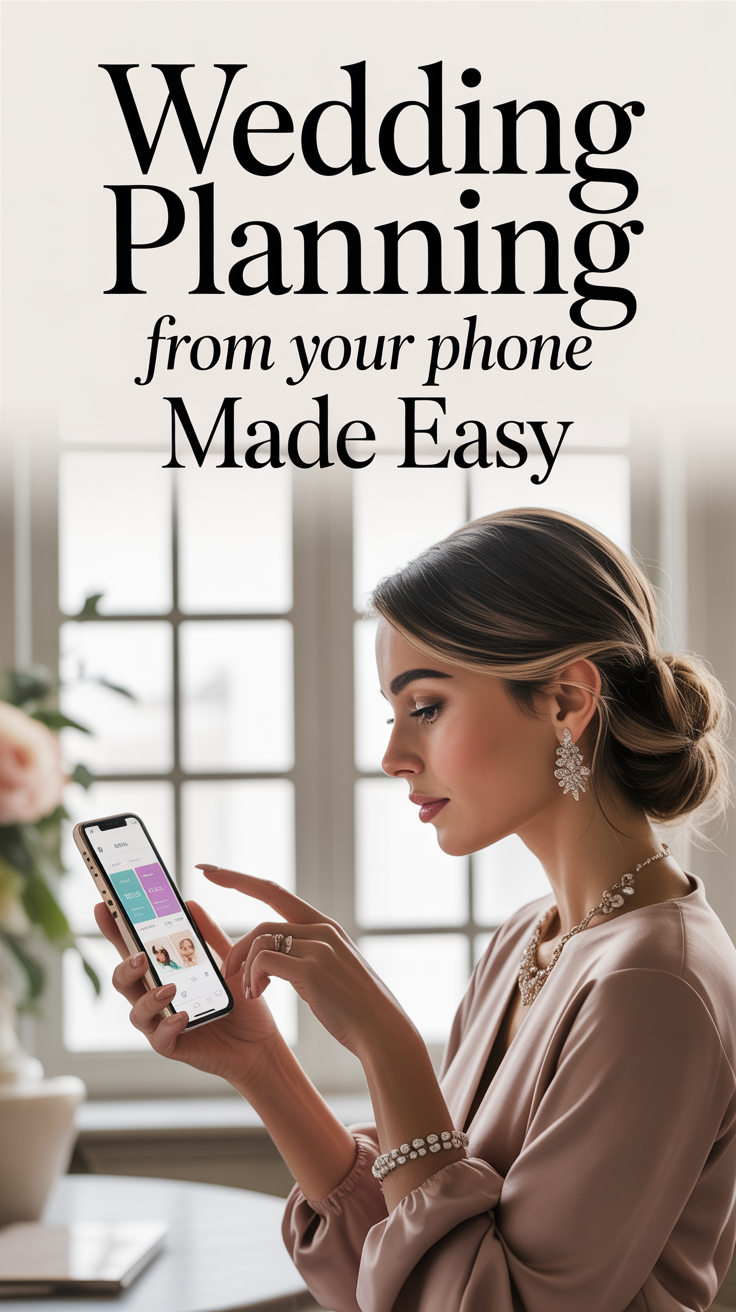
Why Planning Your Wedding From Your Phone Can Work
Phones are built for quick decisions, visual inspiration, and communication—three things wedding planning requires constantly. When used intentionally, your phone becomes a portable planning hub instead of a distraction.
What I love most is the flexibility.It is a great way to start wedding planning on the go. You can save an idea the moment it resonates, reply to vendors quickly, and keep momentum going even on busy days. Planning in small pockets of time adds up faster than you think.
Saving venue photos or decor ideas immediately prevents the “I’ll remember it later” trap, which almost never works. A phone stand with adjustable angles is helpful for couples who review inspiration, contracts, or videos comfortably without holding their device.
A Simple Weekly Phone Planning Activity That Keeps You Moving Forward
Consistent progress beats marathon planning sessions every time.
• Choose one wedding category for the week
• Spend 15–20 minutes reviewing saved ideas
• Delete anything that no longer fits
• Add one note about what you’ve decided
• Stop when the timer ends
I’ve found this rhythm keeps planning enjoyable instead of draining. A short weekly review prevents decision paralysis later when timelines tighten.
Communicating With Vendors Smoothly From Your Phone
Most vendor communication happens on phones now, which can be a huge advantage if you stay organized.
Best practices include:
• Keeping vendor emails in one folder
• Saving contracts as PDFs in a cloud folder
• Screenshotting important confirmations and saving them to titled photo folders
• Using notes to track main questions before calling
I always suggest drafting messages in notes first—it keeps communication clear and professional even when you’re tired. Saving a vendor’s responses as screenshots prevents information from getting lost in long email threads.
A slim Bluetooth keyboard is useful for couples who want to write longer messages or notes from their phone comfortably.
Decision-Making From Your Phone Without Second-Guessing
Phones make comparison easy—but sometimes too easy. Seeing endless options can create doubt instead of clarity.
When deciding from your phone:
- Compare only 2–3 options at a time
- Revisit your original vision note
- Ask “does this support our day?”
- Save main ideas to named folders, and archive the rest
- Make the decision, and add it to the "Decided List"
I’ve noticed that once something is chosen and archived, mental space opens immediately.
Creating a “decided” album helps you stop revisiting choices you’ve already made. A cloud storage organizer app paired with a small external phone drive helps back up important decisions and files.
A Themed Snack for Phone Planning Nights
Planning sessions feel lighter when paired with something cozy and intentional.
The Best Phone-Friendly Planning Snack Cups
1. Fill small cups with cut fruit or berries
2. Add cheese cubes or nuts
3. Include crackers or pretzels
4. Add a small sweet like dark chocolate
5. Serve with tea or sparkling water
I love snacks that don’t require utensils so planning stays uninterrupted. Pre-portioned snacks prevent constant trips to the kitchen. A reusable snack cup set is perfect for easy, mess-free planning nights.
Staying Calm and Organized When Everything Lives on Your Phone
The biggest challenge of phone-based planning is mental clutter. A few simple habits help immensely.
Helpful habits:
• Weekly photo clean-ups
• One master notes file
• Turning off nonessential notifications
• Backing up files monthly
I always remind couples that organization is emotional, not just practical. Less clutter means less stress. Deleting outdated inspiration creates clarity and confidence.
FAQs
Can I really plan a whole wedding from my phone?
Yes—especially with intentional organization and backups.
Should we still print anything?
Only final versions if it helps you feel grounded.
How do we avoid burnout?
Limit planning sessions and keep them purposeful.
A portable phone charging station is ideal for long planning sessions or travel days.
Why Phone-Based Wedding Planning Can Feel Surprisingly Peaceful
When done well, planning your wedding from your phone feels flexible, modern, and empowering. You’re not tied to a desk or waiting for the “right moment”—you’re moving forward in real time. I love how accessible planning becomes when everything you need is already in your pocket. With a little structure and intention, your phone becomes a creative partner instead of a source of stress.
Wishing you the best at your beautiful wedding! ✨
Warmly,
Jenna